In a previous post, I covered how to publish a static Next.js site on GitHub Pages. This post covers pointing a custom domain at it instead of using the default myusername.github.io address.
Purchase a custom domain name
First, make sure you have a custom domain. If not, you can register one through any domain registrar. I use Cloudflare and recommend it for its extras, but any registrar works.
Verify your domain name
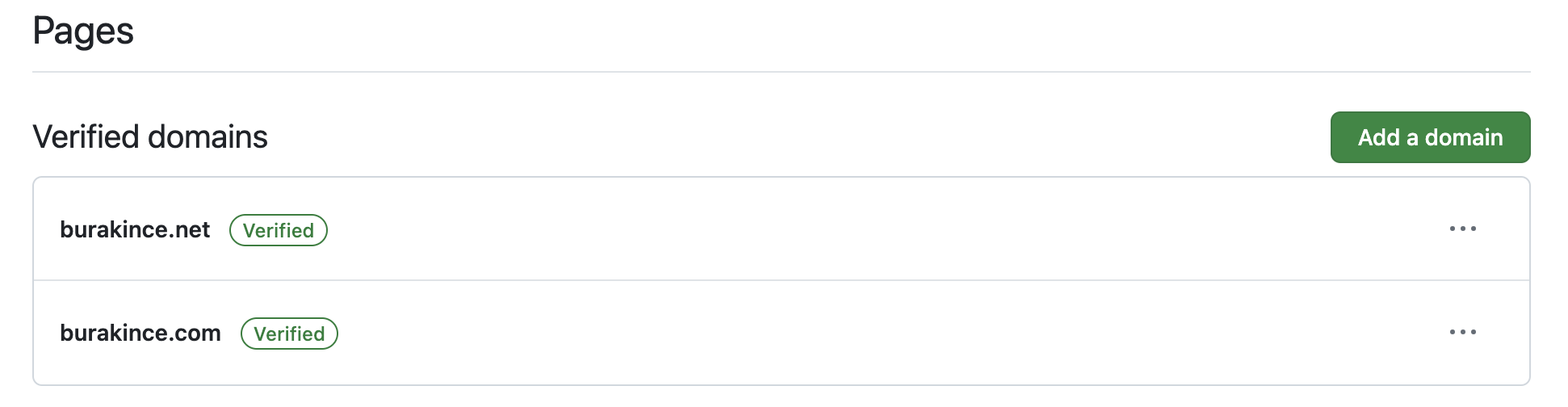
Verifying your domain prevents unauthorized parties from claiming it and pointing it elsewhere. You can do this through the Pages menu under Settings in your GitHub profile. For details, refer to the official GitHub documentation.
Here is an example of my domain names as defined on GitHub:
Set up DNS on your domain registration service provider
To connect your domain to your GitHub Pages site, you need to add DNS records with your registrar. The steps below use Cloudflare.
Step 1: Configure A and AAAA records
-
Add an A record: set Name to
@(the root domain) and Content to192.0.2.1.Here's my configuration:

-
Add an AAAA record: set Name to
@and Content to100::.My configuration:

Step 2: Set up CNAME record
Next, add a CNAME record for the www prefix. If you already have one, edit it; otherwise, create a new record. Set the Name field to www and enter your GitHub Pages domain as the target.
Here's my configuration:

Step 3: Configure page rules
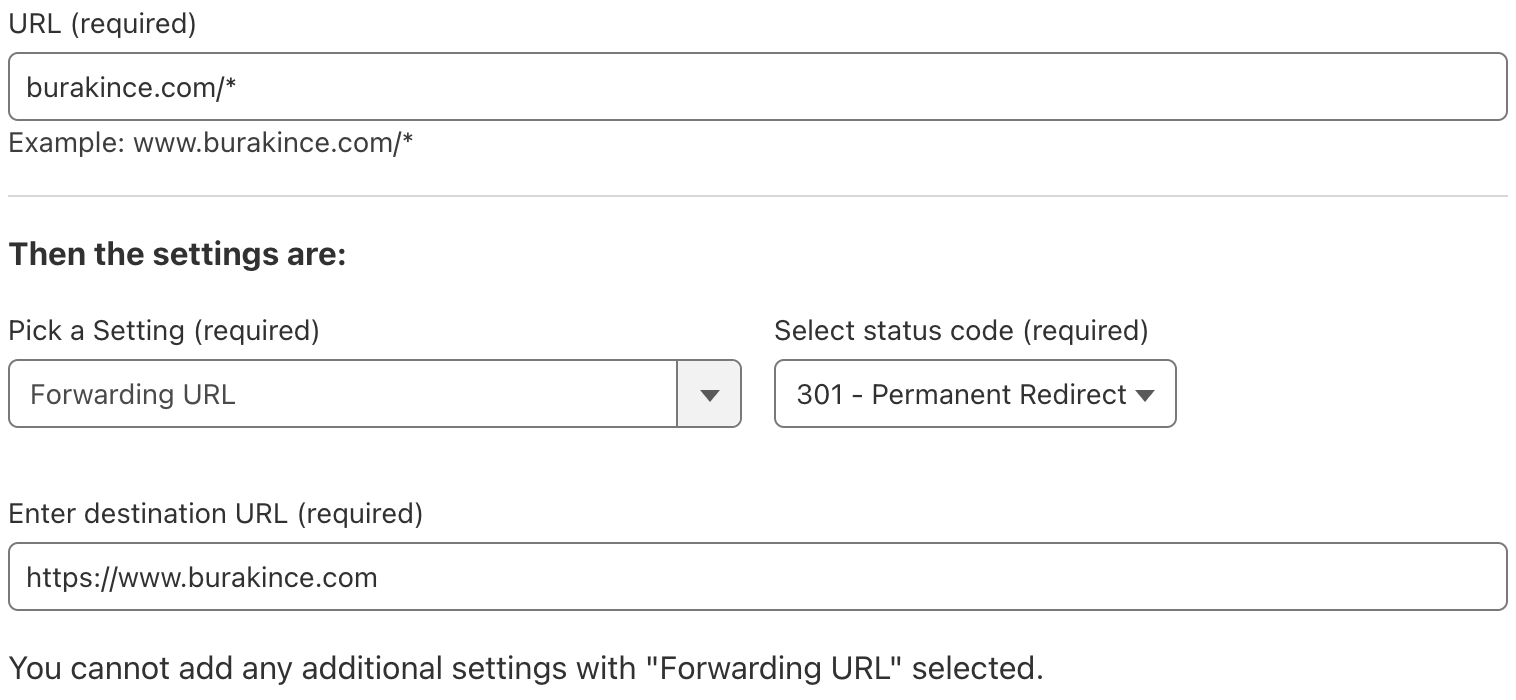
Finally, set up a page rule to redirect non-www traffic to the www version with HTTPS:
- Go to the Rules menu and select Page Rules.
- Create a new page rule with your domain name ending in
/*without thewwwprefix. - Set the rule to forward to the
wwwversion of your domain with HTTPS. - Save and deploy the page rule.
Here's my configuration:
Add a CNAME file to your GitHub repository
Create a file named CNAME in your GitHub repository, with your custom domain name as the content. For instance, you can use the following command, replacing my domain name with yours:
echo "www.burakince.com" > CNAME
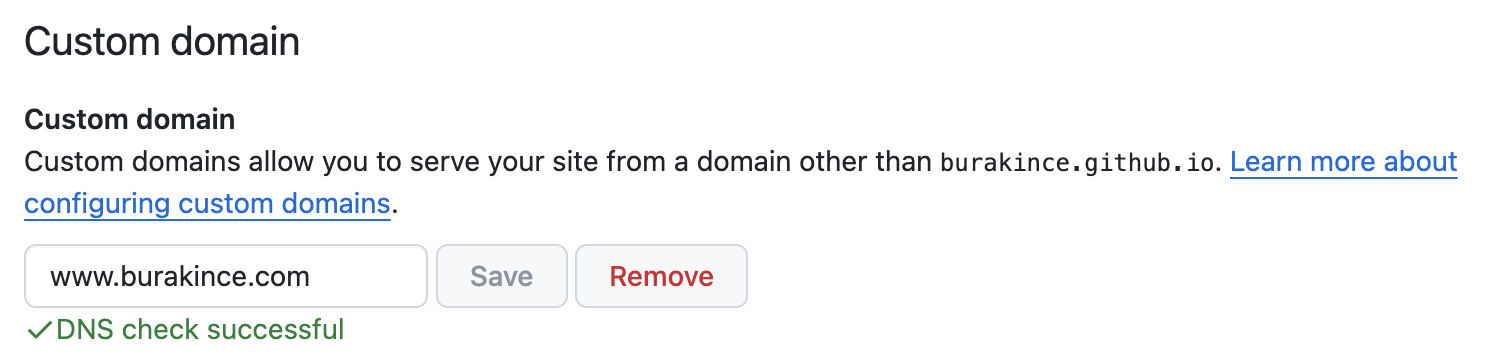
After committing and pushing, open your repository's Settings. In the Pages settings, add your custom domain with the www prefix and save. For details, refer to the official GitHub documentation.
Here's my configuration:
Your GitHub Pages site should now be accessible at your custom domain.